How to Make an AI Rap Video (and a Rap Song) Starring Your Pet
A step-by-step guide to making an AI rap video and an original rap song from one photo of your pet or cartoon character, plus photo tips for clean lip-sync.
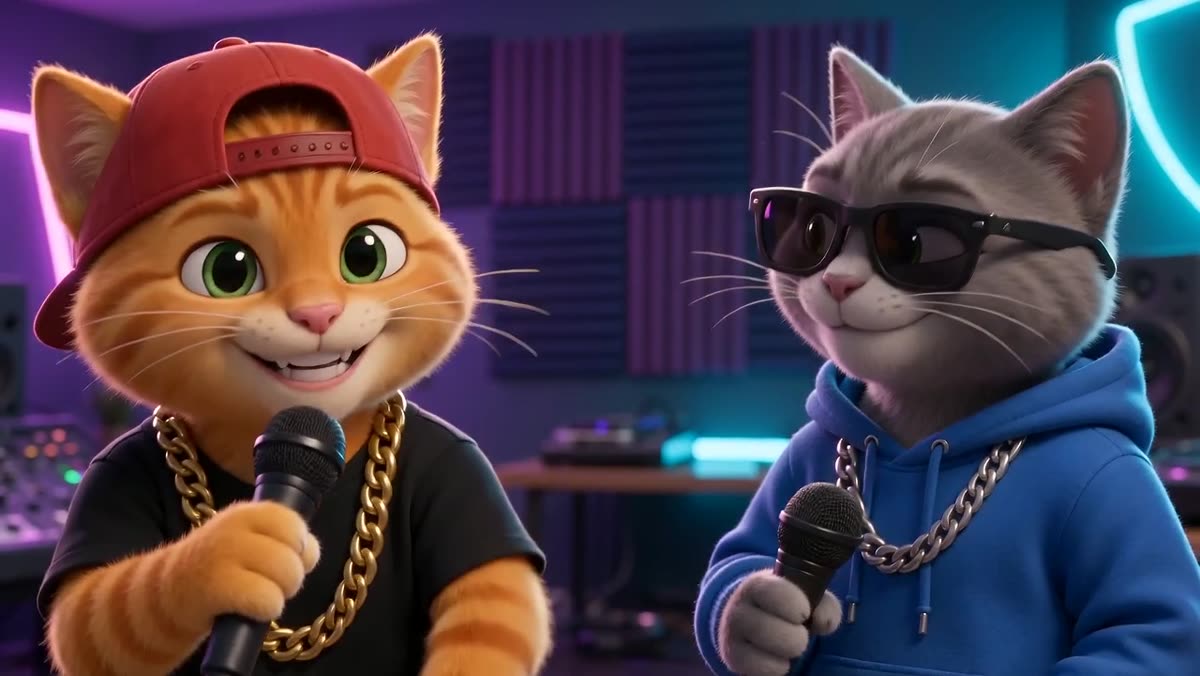
Want to know how to make an AI rap video without a microphone, a studio or any editing software? You can now make a rap song and the music video for it from a single still photo. Your cat, dog, hamster or favorite cartoon character becomes the rapper, and the AI handles the beat, the vocal, the lyrics and the lip-sync.
This guide walks through the whole process on AI Rap Video, from choosing a photo to downloading the finished clip. It takes a few minutes of your time, and the rendering takes about two to three minutes.
What you get
In AI original rap mode, the AI does more than animate your photo. It creates:
- A brand-new beat in the style you pick.
- Original rap lyrics built around the topic words you type.
- A rapped vocal that performs those lyrics.
- Lip-synced animation, so your pet or character's mouth moves in time with the words.
The finished video is 15 seconds long, 720p, in horizontal widescreen 16:9, delivered as an MP4 file. One full video uses 400 credits; you can see the current packs on the pricing page.
Step 1: Pick a great photo
The photo matters more than anything else. The AI needs to see a clear face so it can animate the mouth convincingly. Before you upload, check your photo against this list:
- One clear pet or cartoon character. If you want a duo, use the two-photo layout or a group photo where both faces are easy to see.
- Front-facing. The face should look toward the camera. Side profiles and the back of a head do not lip-sync well.
- Good light. Daylight from a window works great. Avoid dark rooms, strong backlight and harsh shadows across the face.
- An uncovered mouth. Toys, food bowls or paws in front of the mouth confuse the animation.
- Sharp, not tiny. The face should fill a good part of the frame. Crop out empty background if you need to.
- No heavy filters. Beauty filters, cartoon effects and thick borders make results less predictable.
JPEG, PNG and WebP files up to 10 MB are accepted. AI Rap Video works with pets and cartoon characters only, so photos of real people are not accepted. Upload only photos and artwork you own or have the rights to use.
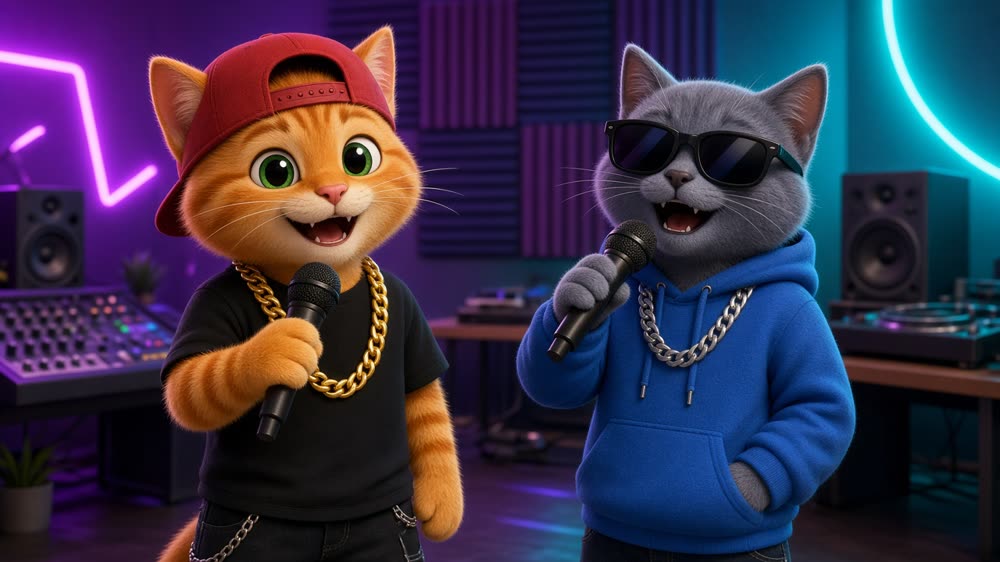
Step 2: Open the creator and choose AI original rap
Go to /create. Under Choose a style, select AI original rap. This is the mode that writes and produces a new rap song for your clip.
Step 3: Upload your photo
Under Upload photos, pick the layout that matches your idea:
- Single subject: one pet or cartoon character on the mic.
- Two photos: one pet or cartoon character in each, great for duets and rap battles.
- One group photo: all your pets or characters in one picture.
Then add your photo or photos.
Step 4: Pick a beat
Next, choose the sound of your song. Each beat gives the AI a different musical direction:
- Old-school freestyle: a funky breakbeat with a crew-on-the-mic feel.
- Boom-bap battle: dusty drums made for two rappers trading bars.
- Trap bars: rolling hi-hats and deep 808s.
- Funny rap: a bouncy, playful beat for comedy verses.
Not sure? Trap bars suits a confident cat, Funny rap suits a clumsy puppy, and Boom-bap battle is perfect for a two-pet showdown.
Step 5: Tell it what the song is about
Under What is it about?, tap topic chips such as Birthday, Best friends or My pet, or type a few words of your own (up to 120 characters). Your words go into the lyrics, so specific details make the song feel personal. Compare:
- Vague: "my dog is cool"
- Specific: "Biscuit steals socks, naps all day, king of the couch"
The second one gives the AI a name, two habits and a punchline to rap about. Keep it clean and about your pet or character; lyrics about real people and links are not allowed.
Step 6: Confirm and make your rap video
Tick the box confirming you own the photo or have the rights to use it, then press Make my rap video. You will be asked to sign in if you have not already. Your photos and topic stay saved while you sign in or pick a credit pack.
Rendering takes about two to three minutes. When it is done you can watch the clip with sound and download the MP4. If a generation fails, the reserved credits go back to your balance automatically.
Eligible new accounts may get a free 5-second, 480p preview of their first video, so you can see the result before unlocking the full 15-second version.
Tips for a better rap song
- Give your pet a name in the topic. Hearing "Mochi" in the chorus makes the clip instantly shareable.
- Add one funny detail. A quirk like "scared of the vacuum" usually becomes the best line.
- Match the beat to the personality. A calm senior dog sounds great on Old-school freestyle; a hyper kitten fits Trap bars.
- Try a second take. AI results vary, so a new topic or a different beat can give you a completely different song.
Ready to make your own?
Grab your clearest pet photo and head to the creator. In a few minutes you will have an AI rap video, and an original rap song, starring the funniest member of your household.
FAQ
How do I make an AI rap video from a photo?
Open /create, choose AI original rap, upload a clear front-facing photo of your pet or cartoon character, pick a beat, add a few topic words and press Make my rap video. Rendering takes about two to three minutes.
Can I make a rap song with AI, not just a video?
Yes. In AI original rap mode the AI generates a new beat, original lyrics from your topic words and a rapped vocal, then lip-syncs your pet or character to it. The song comes inside the 15-second MP4.
Can I make my cat rap?
Yes. Cats work very well when the face is clear, lit from the front and looking at the camera. Add your cat’s name and a funny habit to the topic for a personal verse.
Can I use a photo of myself or a friend?
No. AI Rap Video accepts only pets and cartoon characters. Photos of real people, including celebrities and public figures, are not allowed.
How long is the video and what format is it?
Each full video is 15 seconds, 720p, horizontal widescreen 16:9, delivered as an MP4 you can download.
How many credits does a video cost?
One full AI rap video uses 400 credits. Failed generations return their credits. See the pricing page for current packs.